15 Free Form Templates to Copy Today
August 24, 2026
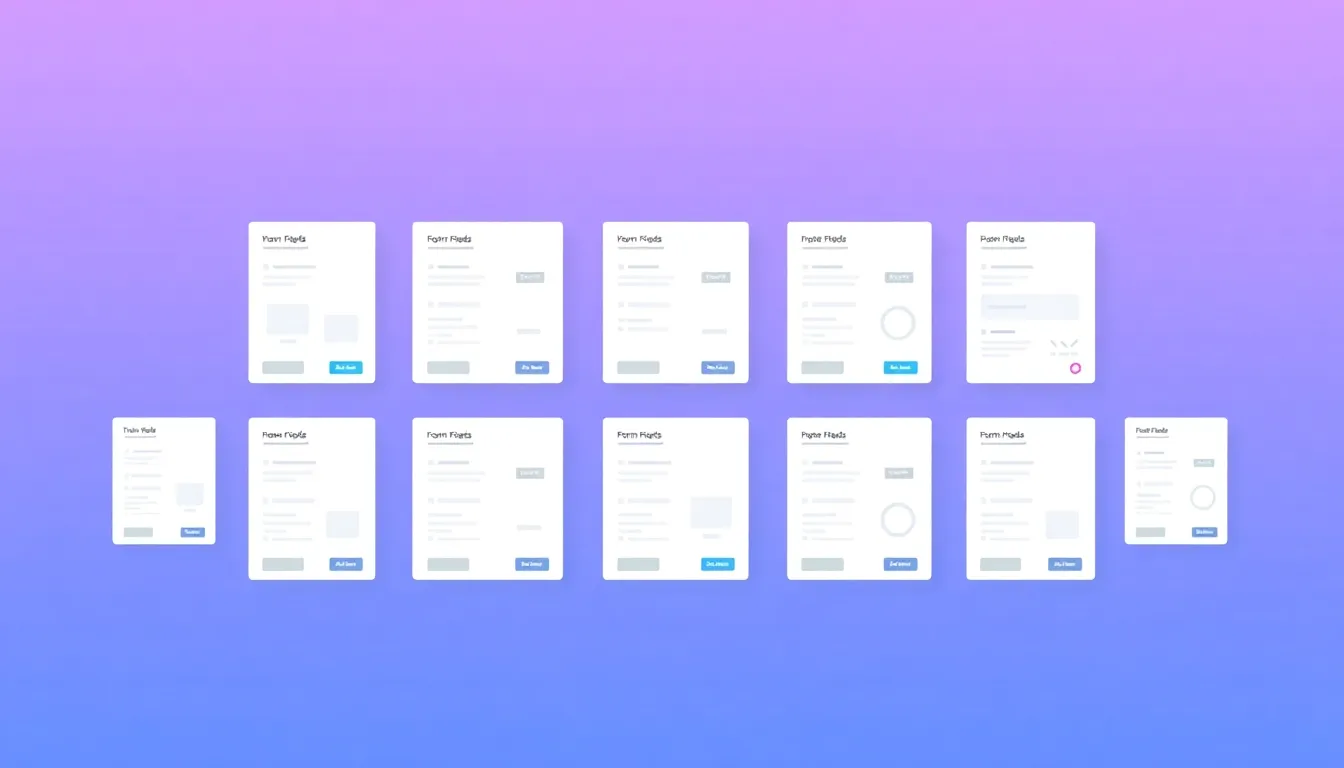
The fastest way to launch a form is to start from one that already works. Instead of building every field from scratch, you copy a proven layout and tweak it. Below are 15 free form templates covering the situations most people need, with the core fields for each and a note on when to use it. Every one can be built in minutes with a free drag-and-drop builder and then embedded on your site or shared with a link.
Why start from a template?
A template saves you the two hardest parts of form building: deciding which fields to include and arranging them in a sensible order. It also helps you avoid the classic mistake of asking for too much. Each template below is intentionally lean — add fields only when you're sure you'll use the data.
The 15 templates
1. Contact form
The workhorse of any website. Fields: name, email, subject, message. Use it on your contact page so visitors can reach you without exposing your inbox.
2. Registration form
For accounts, courses, or events. Fields: full name, email, password or confirmation, and any details specific to what people are registering for.
3. Event registration form
Fields: attendee name, email, number of guests, session or ticket type, dietary needs. Ideal for workshops, webinars, and meetups.
4. RSVP form
Fields: name, attending (yes/no), guest count, meal choice. Perfect for parties, weddings, and dinners where you need an accurate headcount.
5. Order form
Fields: product, quantity, options, customer contact, delivery details. Great for small businesses taking orders without a full store.
6. Feedback form
Fields: rating, what went well, what to improve, optional contact. Use it after a purchase, event, or support interaction.
7. Customer satisfaction (CSAT) survey
Fields: satisfaction rating, follow-up reason, open comment. Measures how happy customers are with a specific experience.
8. Job application form
Fields: name, contact, role, resume upload, availability, short screening questions. Streamlines early hiring.
9. Newsletter signup form
Fields: email (and optionally first name). Keep it to one or two fields to maximize subscribers.
10. Booking form
Fields: name, contact, service, preferred date and time, notes. For appointments, rentals, and consultations.
11. Survey / questionnaire
Fields: a mix of multiple choice, rating scales, and open text. Use it for research, market validation, or audience insight.
12. Quiz form
Fields: a series of questions with scored answers and a results screen. Great for lead generation and engagement.
13. Payment / invoice request form
Fields: name, email, amount, description, billing details. Collect the information you need to invoice or process a payment.
14. Support / help desk form
Fields: name, email, issue category, priority, description, attachment. Route requests to the right person faster.
15. Waiver / consent form
Fields: participant name, date, consent checkboxes, signature. For classes, events, and activities that need sign-off.
How to customize any template
- Pick the closest template to your goal.
- Remove fields you won't use. Fewer fields, more responses.
- Rename labels in plain language so they're unambiguous.
- Mark only essential fields required.
- Match your brand with colors and a clear title.
- Add logic to hide questions that don't apply.
- Publish, then embed on your site or share the link.
Best practices that apply to every form
- Keep it to a single column and test it on a phone.
- Write a specific button label ("Book my slot," "Send order") instead of "Submit."
- Add one sentence explaining what happens after they submit.
- Turn on notifications so you never miss a response.
Frequently asked questions
Are these templates really free? Yes. With FormMaker you get unlimited forms and responses at no cost, so you can build and publish any of these without a paywall.
Can I combine templates? Definitely. Many real forms mix elements — for example, an event registration form with a feedback section, or an order form with a short survey.
How do I share the finished form? Every form can be embedded on your website with a snippet or shared as a standalone link by email, social, chat, or QR code.
Start with a template
Pick the one that matches what you need and make it yours. Browse and build free templates with FormMaker — customize in minutes, then embed the form or share the link.
Build your first form free
Drag, drop, publish. No credit card, unlimited submissions.